Why reviews matter so much for cafés
When someone searches “coffee near me”, Google shows a map of nearby cafés with their star ratings and review counts. People compare them in seconds. Google’s own advice to businesses is that high-quality, positive reviews can improve your visibility, and a healthy number of recent reviews makes you the safe choice for someone new to the area.
Reviews also do something quieter: they tell your regulars that you’re listening.
Make it effortless: one scan, straight to the stars
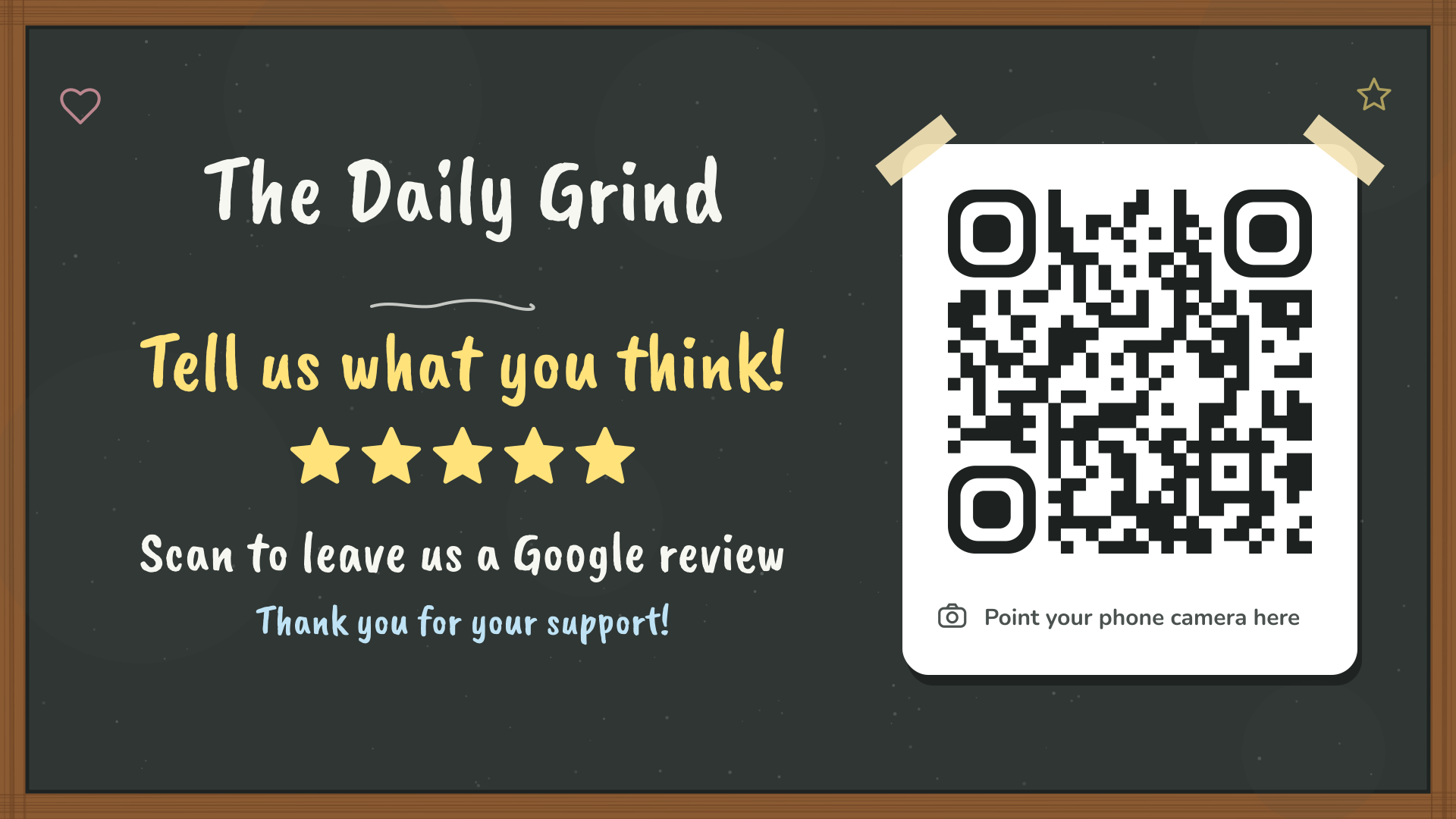
Every extra step loses people. “Find us on Google” means searching, choosing the right listing, scrolling to reviews and finding the button. A QR code with your direct review link skips all of it: scan, tap the stars, write a line, done.
That’s the whole idea behind Review QR: a good-looking sign with your own direct review link, ready to print.
Six steps, and most people give up
- Open Google
- Type your business name
- Pick the right listing
- Scroll to the reviews
- Find “Write a review”
- Tap the stars
Two steps, while they’re still smiling
- Point the phone camera at the code
- Tap the stars and write a line
The code opens your Google review form directly, with the stars ready to tap.
Where to put it in a café
- The coffee pick-up. The best spot by far. People wait a few minutes with their phone already out.
- Tables. A6 cards in small stands or napkin holders.
- The cabinet. Where people choose their food, at eye level.
- Your menu TV. Add the TV slide between specials, if you use digital signage.
- Takeaway bags. A card in the bag gets scanned later, at home.
What to say (and what not to)
A sign on its own works. A sign plus one friendly line works much better. Try: “If you enjoyed it, a Google review would really help us. The code’s right there.” Keep it light and ask everyone, not just the people who seem thrilled.
Don’t offer a free coffee or discount for reviews. Google’s rules don’t allow rewards for reviews, and it makes every review look less trustworthy. More on that in our guide to what’s allowed.
Reply to every review
A short, personal reply to every review shows you care, turns a one-off visitor into a regular, and shows future customers how you handle feedback. A thoughtful reply to a critical review often impresses people more than a row of five stars. Our reply guide has templates.