Google review QR code signs for restaurants
Diners decide where to eat by reading reviews, and the best time to ask for one is right after a great meal. A QR code in the bill folder or on the table makes it a ten-second job.
- No sign-up
- Print-ready in a minute
- A4, A5, A6 + TV slide
- Never expires
Where to put it
The best spots for restaurants, where customers pause with their phone in hand.
In the bill folder
An A6 card slipped in with the bill or EFTPOS receipt.
On the table
A5 table talkers in a clear stand.
At the host stand
Guests see it on the way out, feeling good.
In the front window
The A4 poster shows walkers-by you care what diners think.
Create your sign
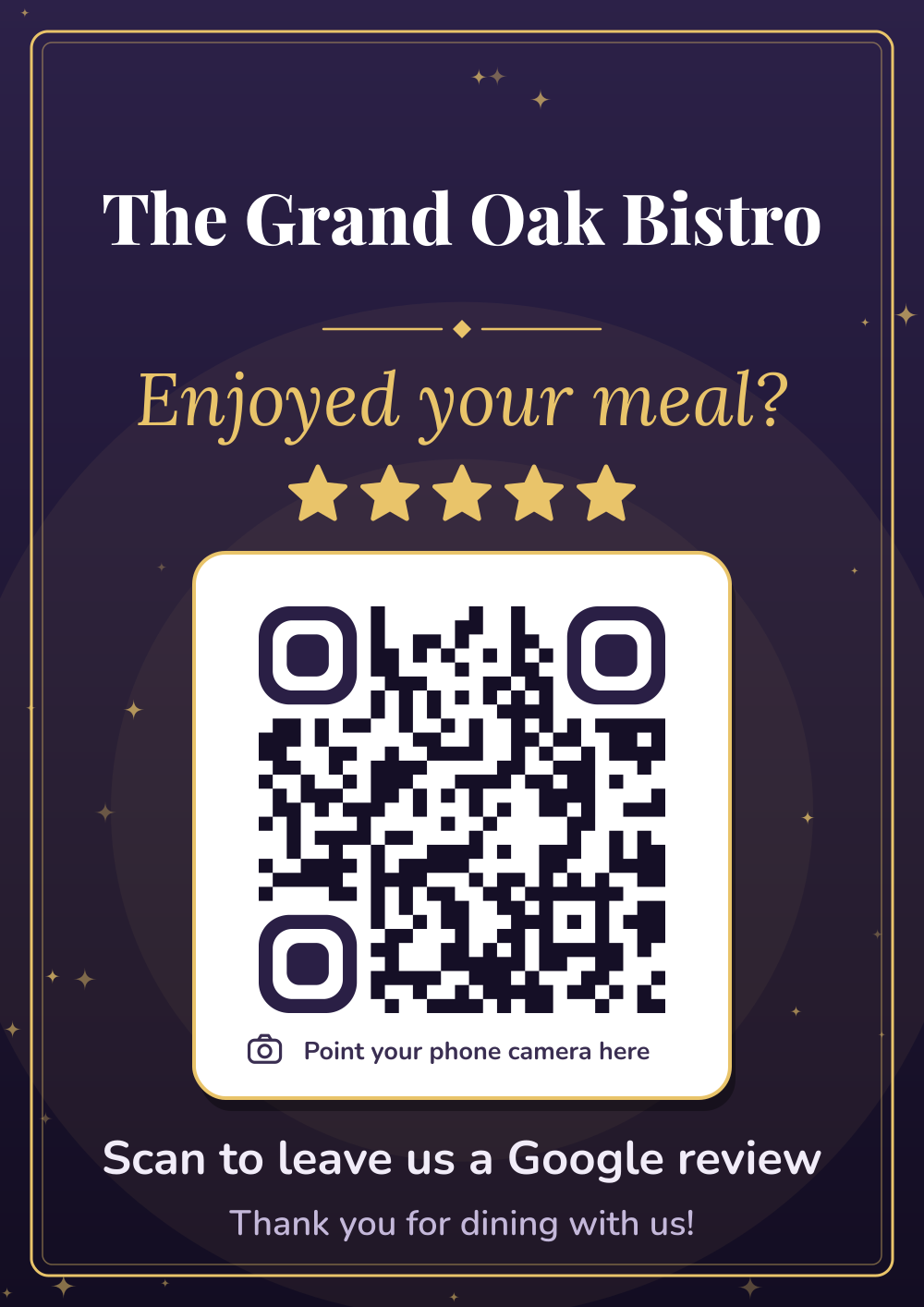
We’ve started you on the Midnight Gold design and “Enjoyed your meal?”. Change anything you like.
Tips for restaurants
- Time it with the bill. Guests are relaxed, full and already have their phone out to pay.
- Brief your team with one friendly line, and never ask only the happy tables. Asking everyone is fairer and it’s what Google’s rules expect.
- Read your reviews for patterns. If three people mention slow mains on Friday nights, that’s free advice.
What’s in your $11.99 pack
- A4 posterFor windows, walls and noticeboards.
- 2 × A5 table signsTwo on one A4 page, for counters and tables.
- 4 × A6 counter cardsFour per page: bill folders, rooms, bags.
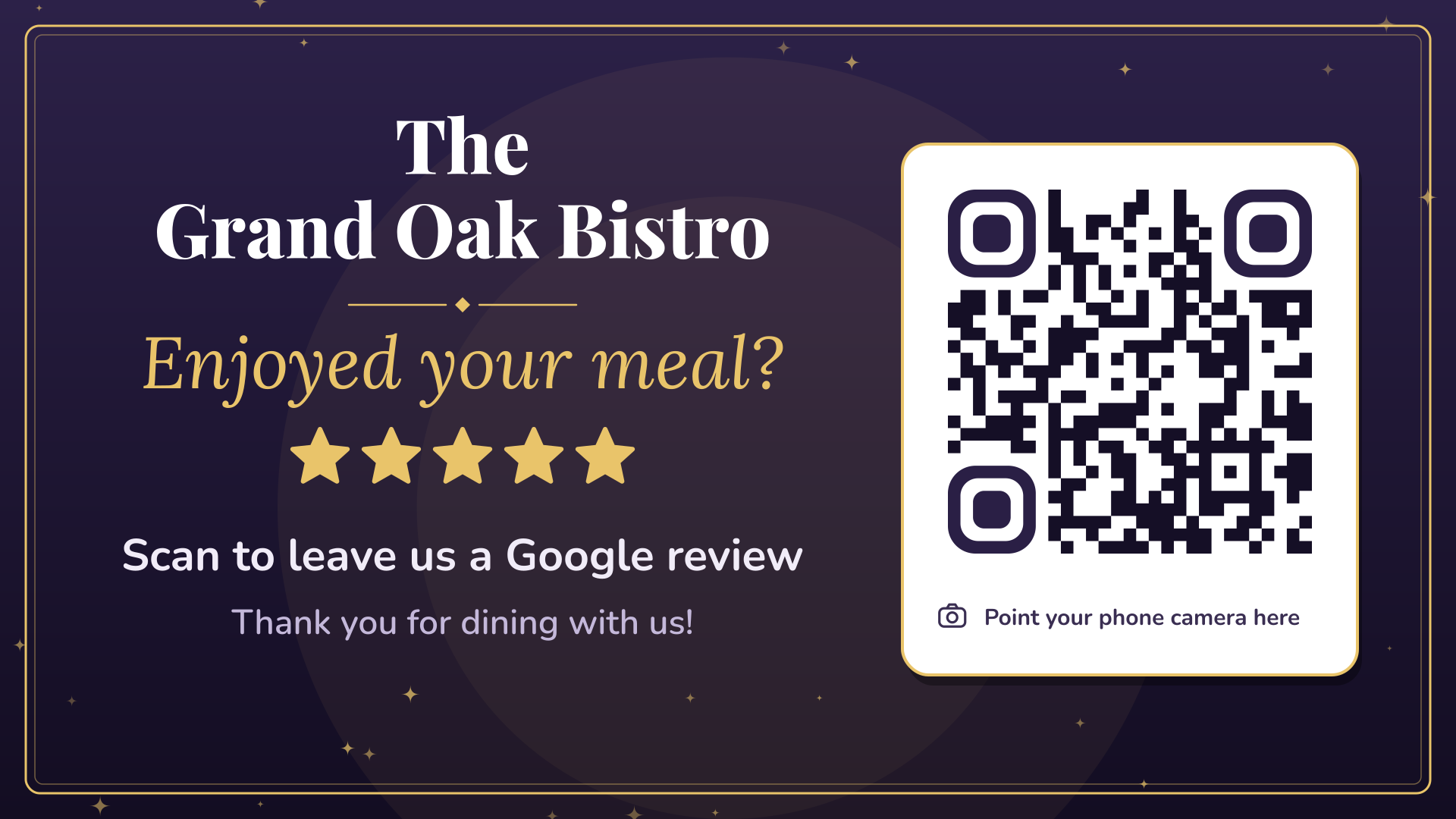
- TV slide (1920 × 1080)For your screens and digital signage.
- QR code on its ownPNG and SVG, for menus, invoices and your own designs.
- Sign image (PNG)For Instagram, Facebook, emails and your website.
How it works
Paste your review link
Copy it from your Google Business Profile. We show you where.
Pick a design
Six looks, your business name and wording. Watch the preview update as you type.
Pay $11.99, print
Download straight away, plus a copy by email. No sign-up, no subscription.
Put your review QR code on every TV
Screens are the biggest sign in the room. Every pack includes a 1920 × 1080 slide made for TVs, so customers can scan from their seat.
- Show it between your specials, the sport or the menu.
- With myQR Digital Signage it runs in the TV’s web browser: no app, no player box, updated from your phone.
- Schedule it for the right moments, like after the lunch rush or at half-time.
All six designs
Midnight Gold
Deep plum with gold. Elegant and a little bit fancy.
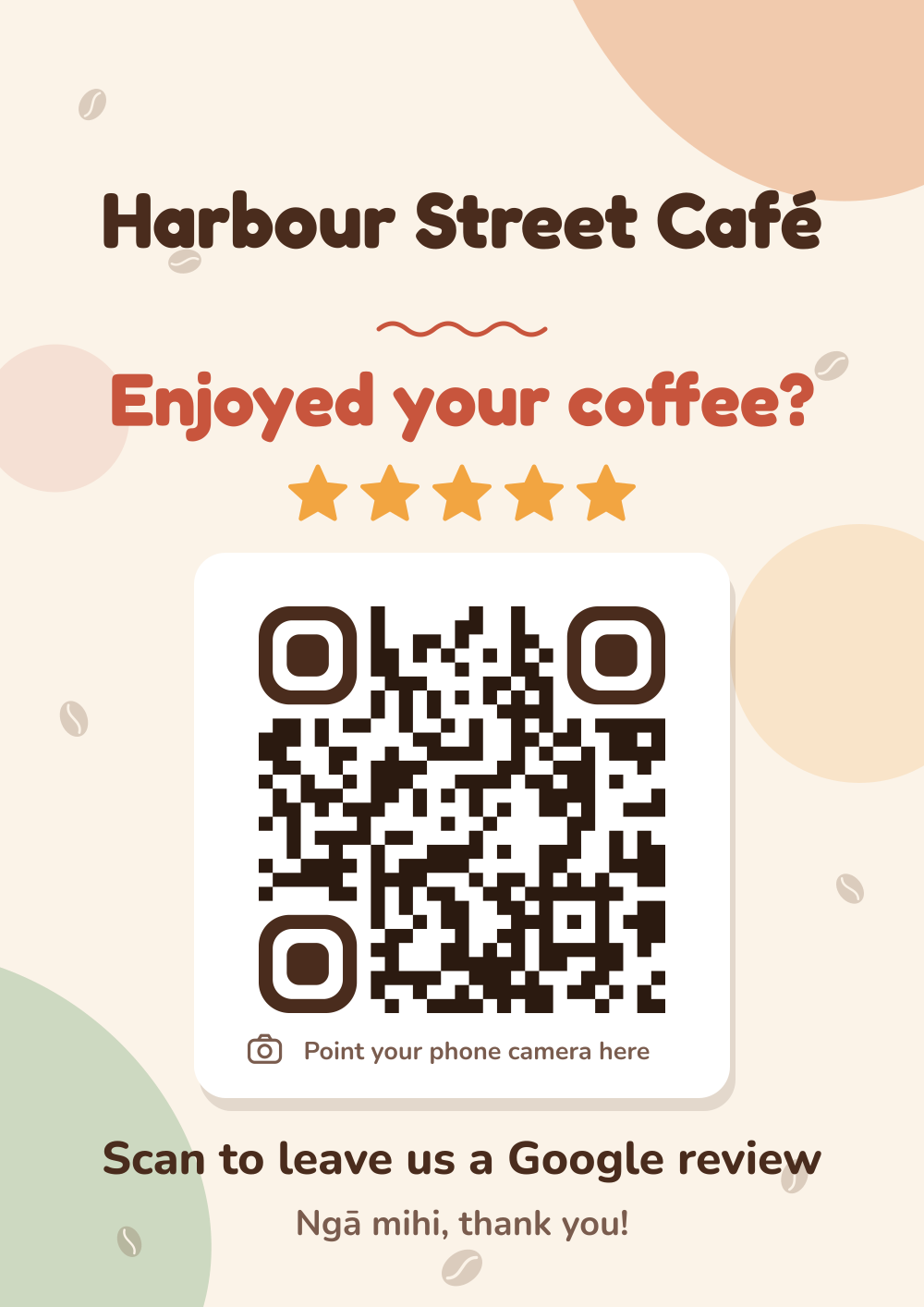
Café Latte
Warm cream, terracotta and coffee beans. Friendly and cosy.
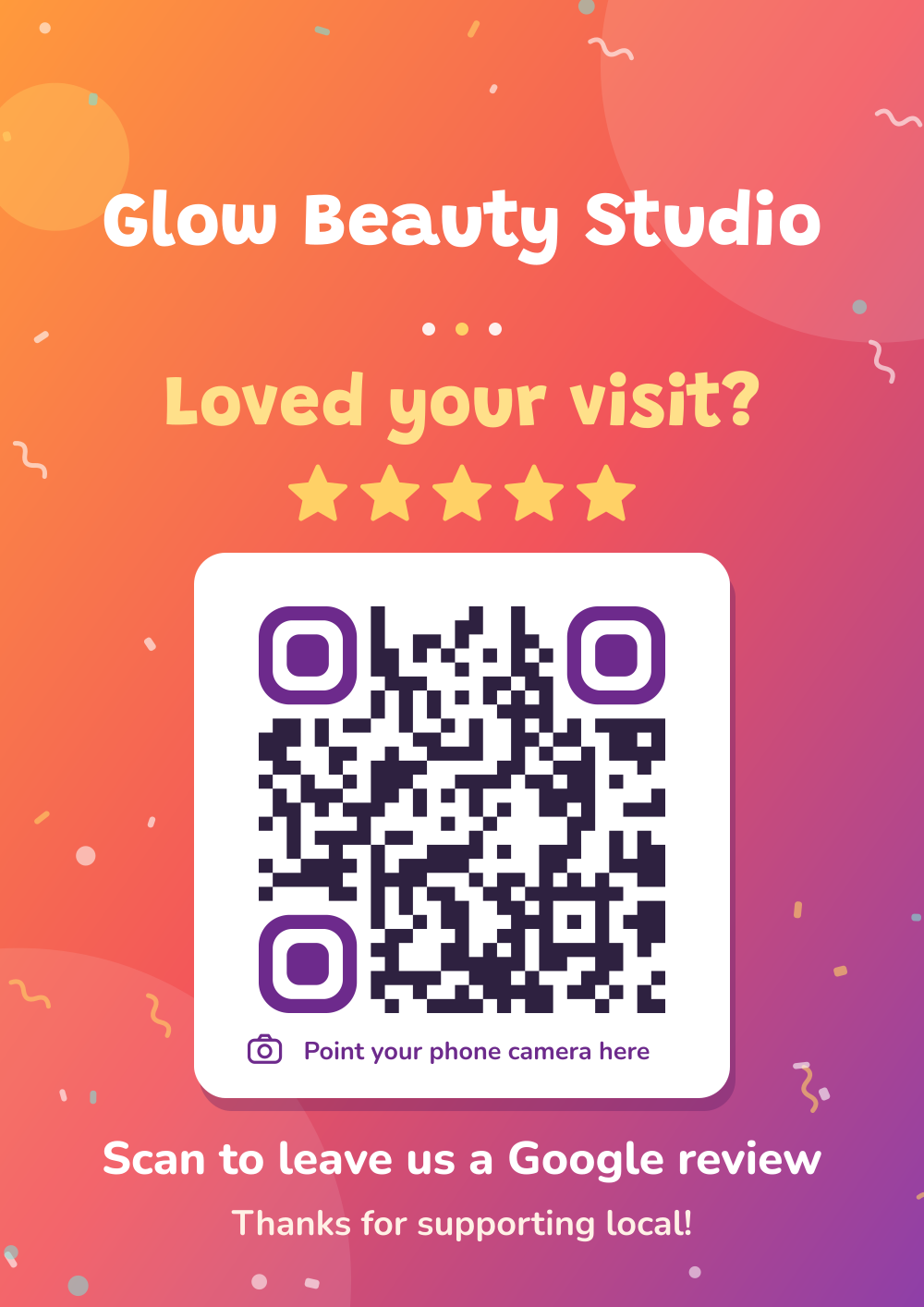
Sunset Pop
A bold orange-to-purple gradient with confetti. Loud and fun.
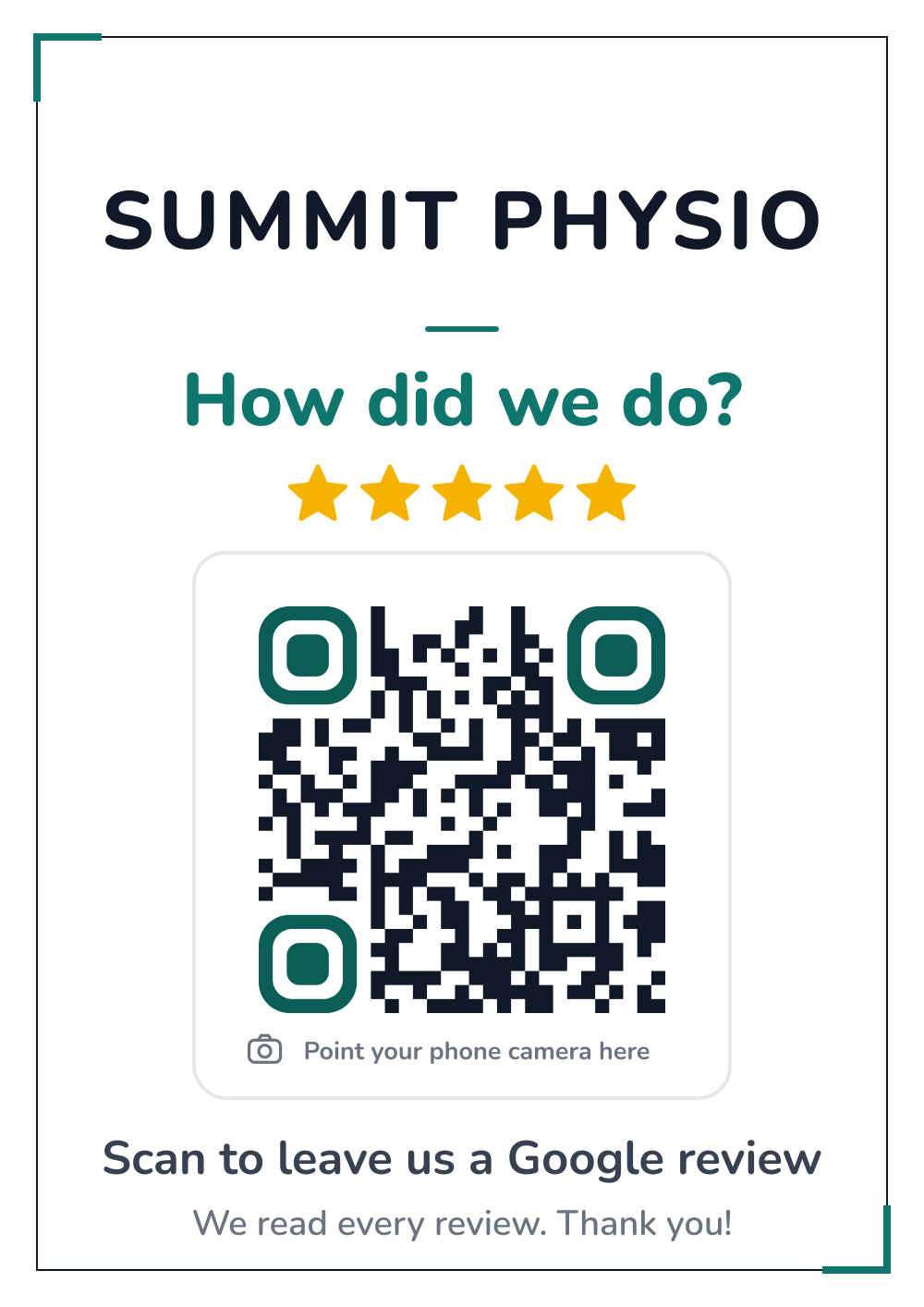
Clean & Simple
White, crisp and professional, with one teal accent.
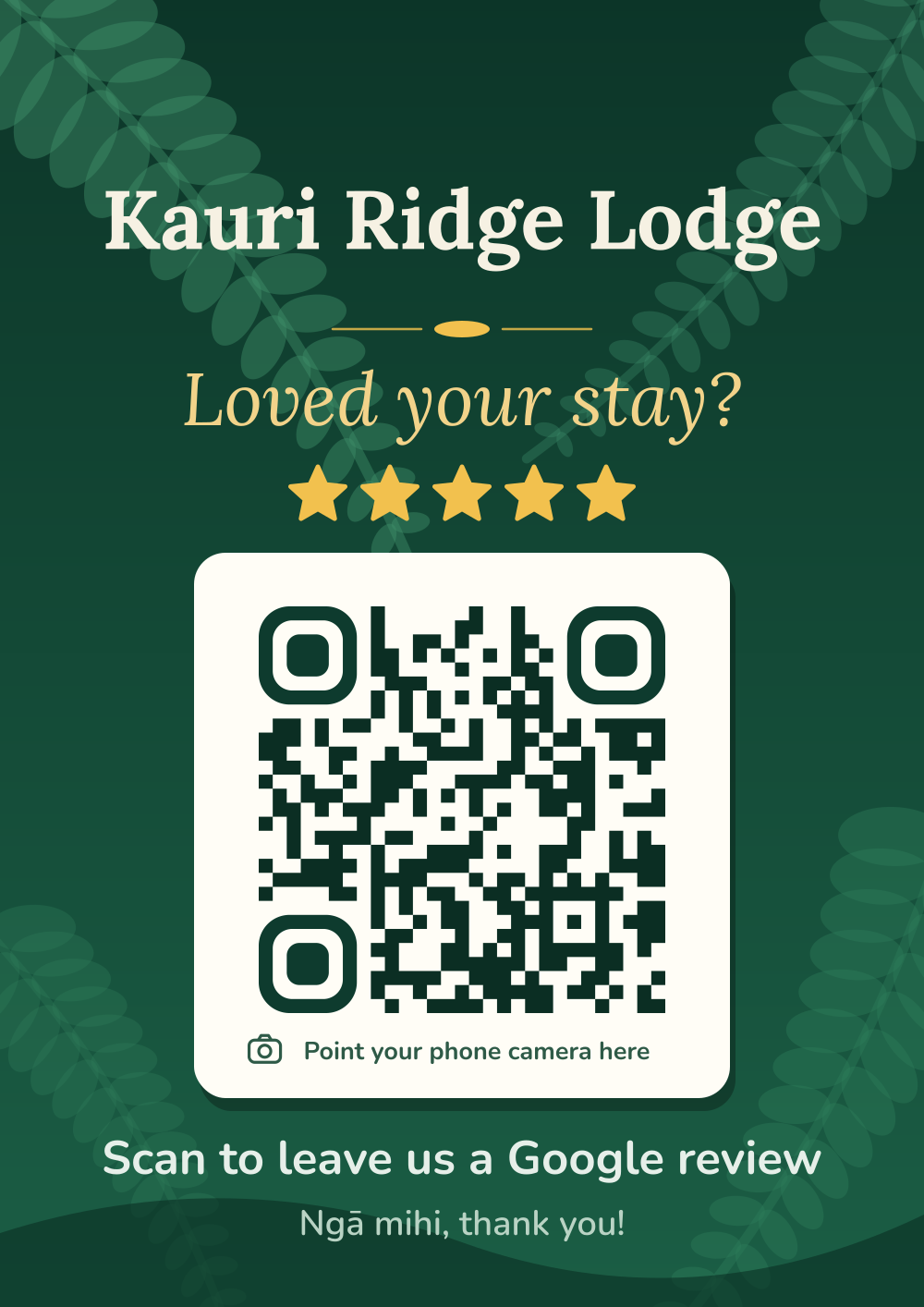
Native Bush
Deep bush green with fern fronds. Proudly Kiwi.
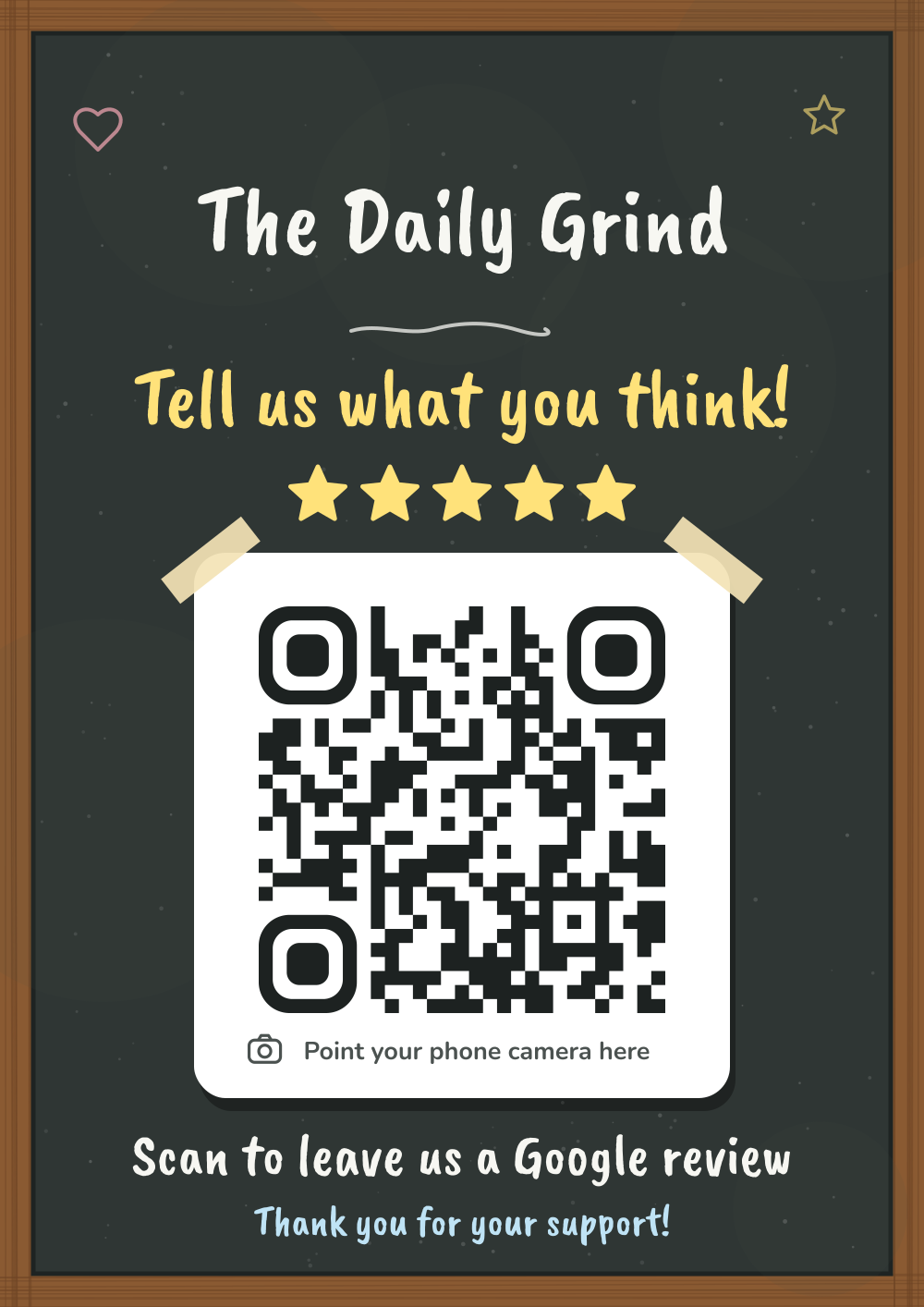
Chalkboard
A hand-lettered chalkboard in a timber frame.
Questions from restaurants
When should a restaurant ask for a review?
When the bill arrives. The meal is fresh in their mind and their phone is already out.
Should I put the QR code on the menu?
You can: your pack includes the QR code on its own (PNG and SVG) to add to menus. Keep it at least 2.5 cm wide.
Which design suits a restaurant?
Midnight Gold looks at home in most dining rooms, and Clean & Simple suits modern spaces. You can see every design before you pay.
Guides
All guides →Google reviews for restaurants: a practical guide
How restaurants can get more Google reviews: timing the ask with the bill, table signs, staff scripts, replying well, and learning from feedback.
Read the guide →How-to · 6 min readHow to reply to Google reviews (with templates)
How to reply to positive and negative Google reviews, with copy-and-adapt templates for cafés, restaurants, bars, salons and other local businesses.
Read the guide →Rules · 5 min readAsking for Google reviews: what’s allowed, and what isn’t
Can you offer a discount for a Google review? Can you only ask happy customers? A plain-English guide to Google’s review rules for NZ businesses.
Read the guide →Other businesses
Start collecting reviews today
One sign, $11.99, ready to print in two minutes.