Why TVs work so well
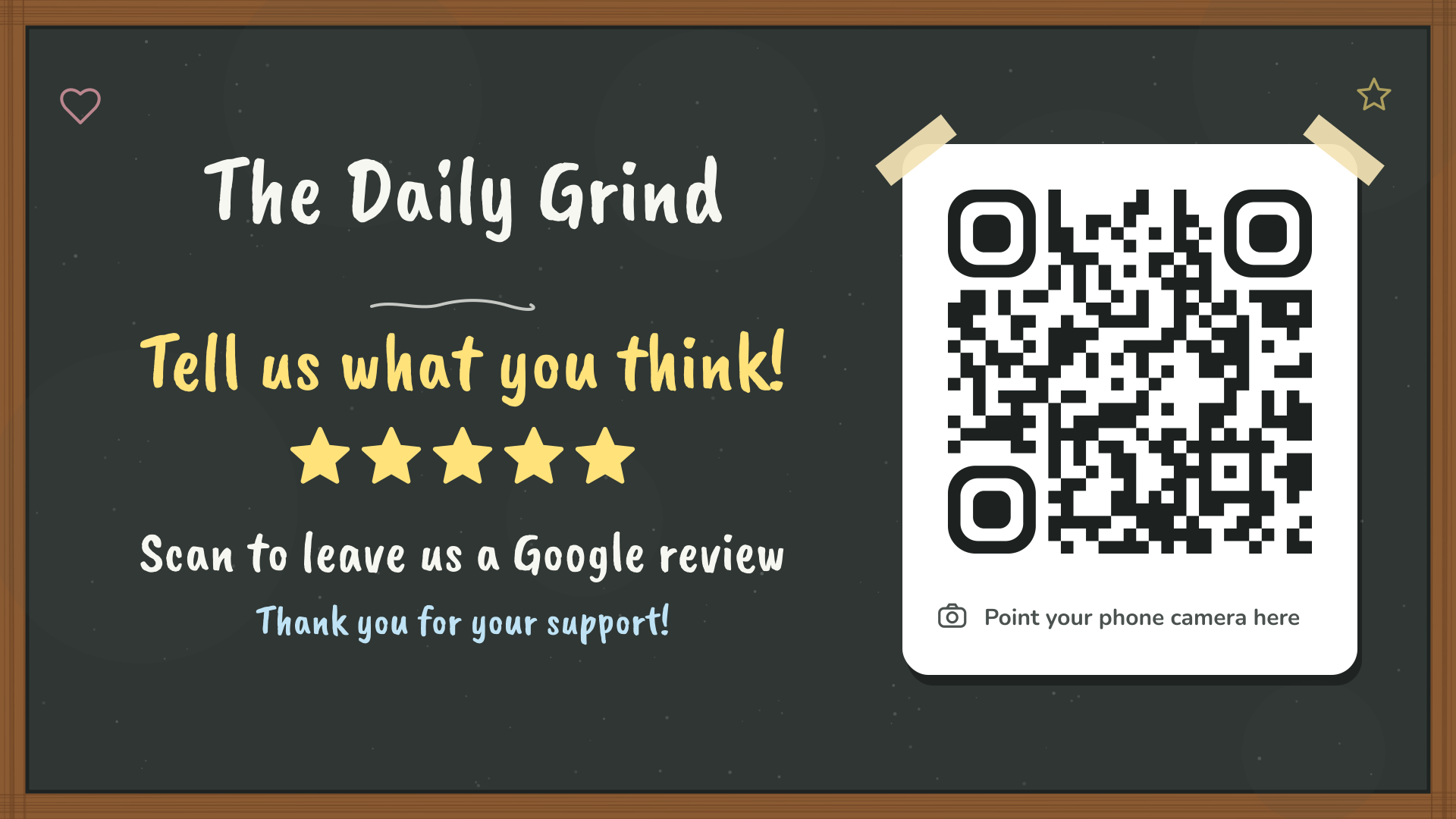
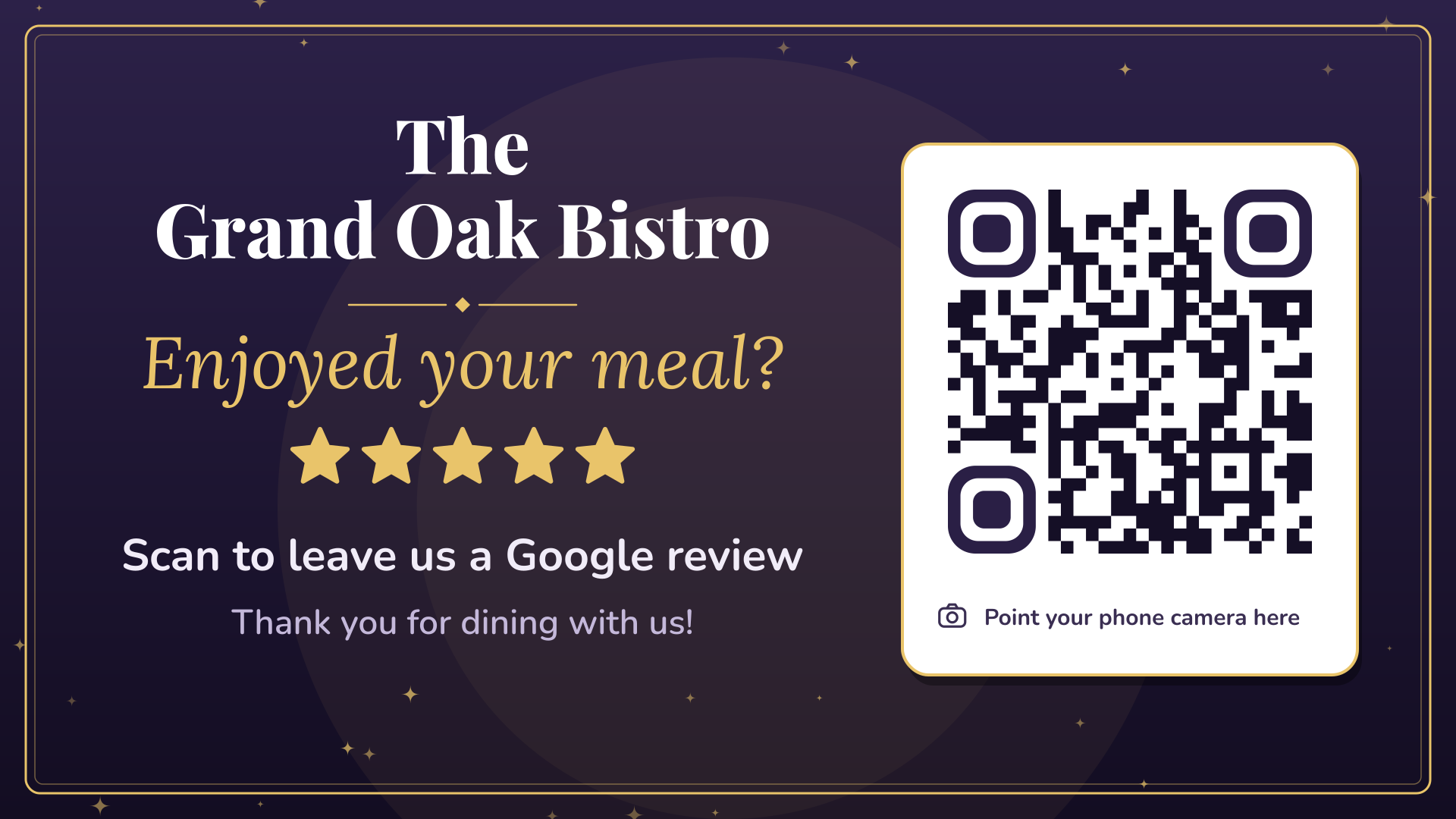
Screens catch the eye, and people look at them while they wait: for coffee, for the next game, for their appointment. That idle moment is perfect for a quick scan. Every Review QR pack includes a 1920 × 1080 TV slide made for exactly this.
How to show it
- With myQR Digital Signage. Upload the TV slide to Digital Signage and it plays on every TV in your venue alongside your specials. It runs in the TV’s web browser, with no app or player box, and you can update it from your phone.
- From a USB stick. Many smart TVs can show a photo slideshow from USB. It’s fiddly to update, but it works.
- On a screen you already run. Any signage system or menu board that plays images can show the PNG.
Make it scannable from a seat
- Show it for 10 to 15 seconds at a time, every few minutes, so people have time to get their phone out.
- Put it on the screens nearest to where people sit or wait, not the one above the door.
- Pair it with a moment: after the quiz, at half-time, at the end of a class.
- Test it from the furthest seat. If it won’t scan there, show it on a closer screen.
Mix it with your specials
Your review slide works best as part of a playlist: happy hour, tonight’s event, the new menu, then the review QR. Customers see what’s on and get a gentle nudge to share what they thought. With Digital Signage you can even schedule it, for example only after the lunch rush.