Google review QR code signs for tours and activities
Visitors plan their trips around reviews, often on Google Maps. The end of a great tour is when people are buzzing, taking photos and holding their phones. That’s your moment.
- No sign-up
- Print-ready in a minute
- A4, A5, A6 + TV slide
- Never expires
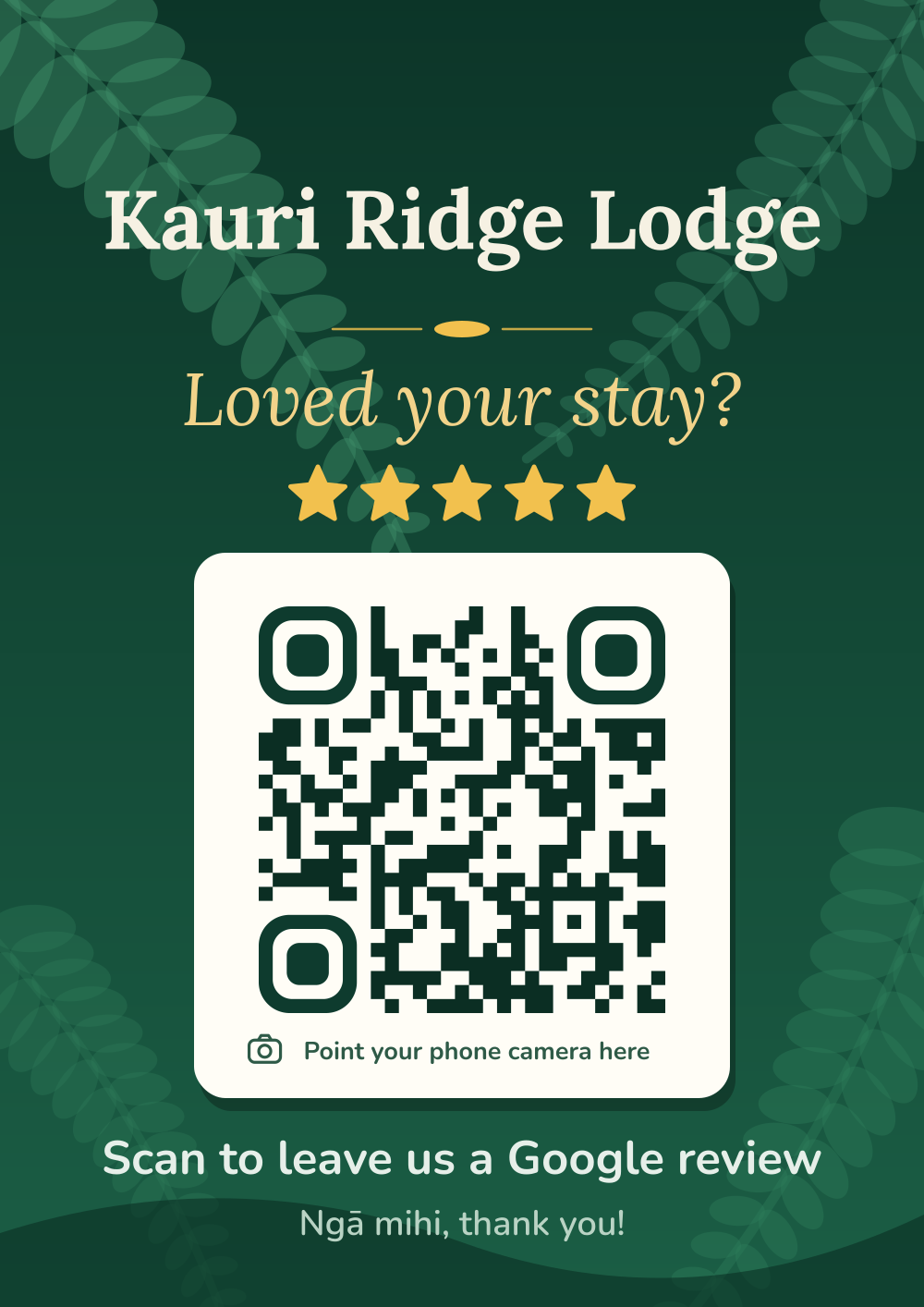
Where to put it
The best spots for tourism & activities, where customers pause with their phone in hand.
At the finish
An A4 poster where the tour ends.
On the bus or boat
Laminated A5 signs on seat backs.
At the ticket desk
An A5 sign by the EFTPOS.
With photo pick-up
A6 cards handed out with photos or merch.
Create your sign
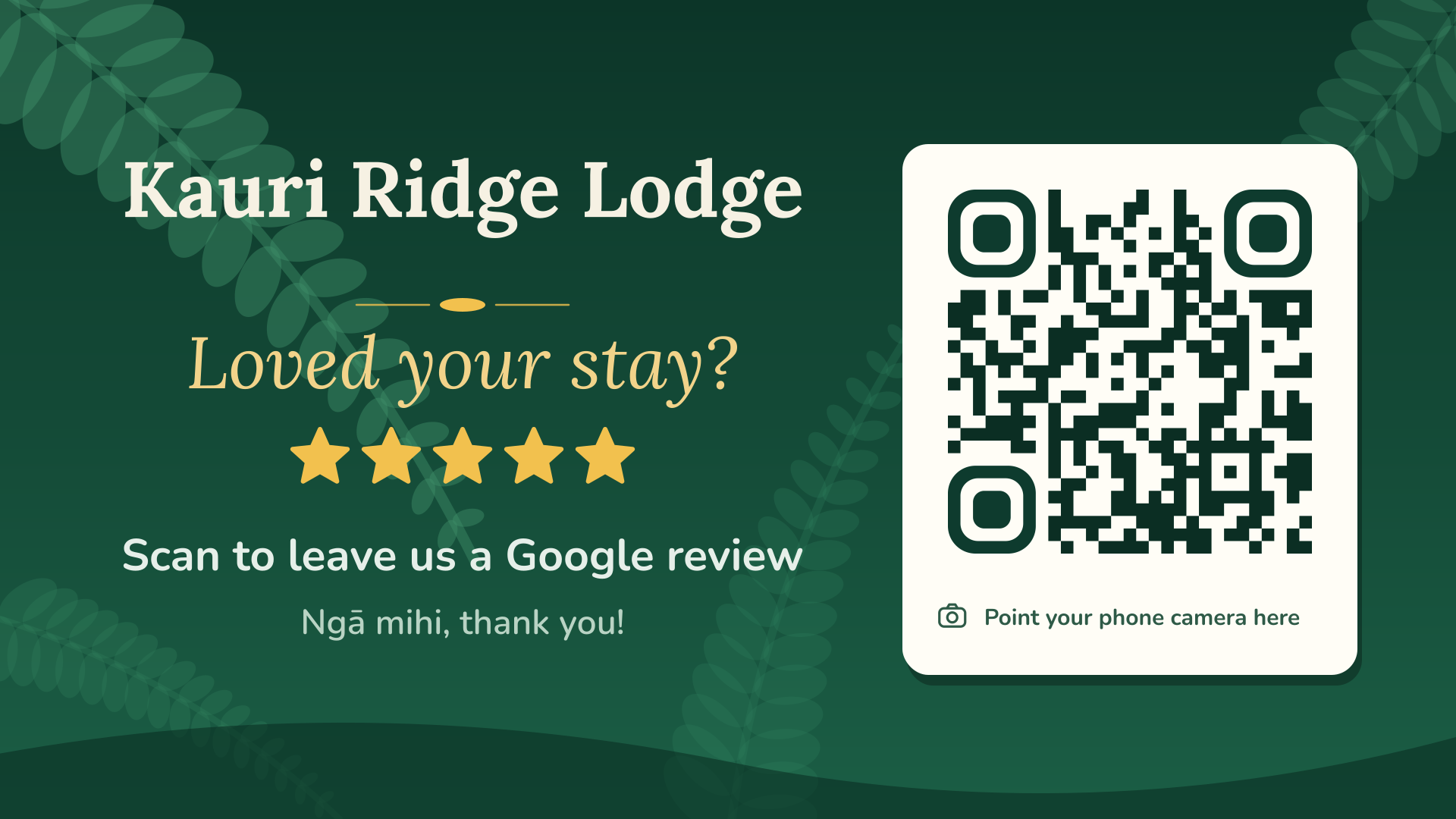
We’ve started you on the Native Bush design and “Loved your adventure?”. Change anything you like.
Tips for tourism & activities
- Guides can mention it at the end: “If you had a great day, a Google review helps us more than you’d think.”
- International visitors can scan the same code. The review form opens in their phone’s language.
- Reply to every review, and thank people for travelling to see you.
What’s in your $11.99 pack
- A4 posterFor windows, walls and noticeboards.
- 2 × A5 table signsTwo on one A4 page, for counters and tables.
- 4 × A6 counter cardsFour per page: bill folders, rooms, bags.
- TV slide (1920 × 1080)For your screens and digital signage.
- QR code on its ownPNG and SVG, for menus, invoices and your own designs.
- Sign image (PNG)For Instagram, Facebook, emails and your website.
How it works
Paste your review link
Copy it from your Google Business Profile. We show you where.
Pick a design
Six looks, your business name and wording. Watch the preview update as you type.
Pay $11.99, print
Download straight away, plus a copy by email. No sign-up, no subscription.
Put your review QR code on every TV
Screens are the biggest sign in the room. Every pack includes a 1920 × 1080 slide made for TVs, so customers can scan from their seat.
- Show it between your specials, the sport or the menu.
- With myQR Digital Signage it runs in the TV’s web browser: no app, no player box, updated from your phone.
- Schedule it for the right moments, like after the lunch rush or at half-time.
All six designs
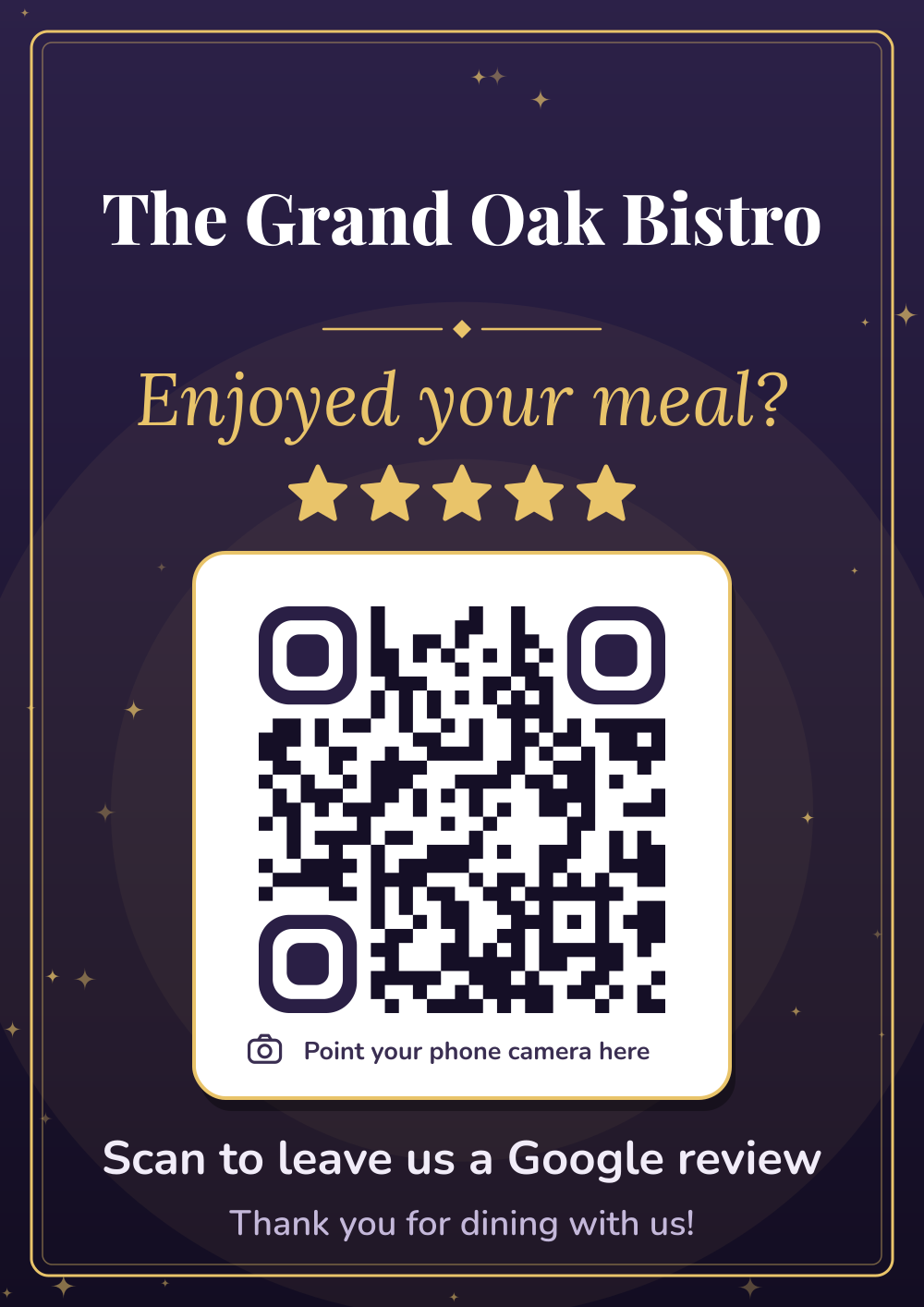
Midnight Gold
Deep plum with gold. Elegant and a little bit fancy.
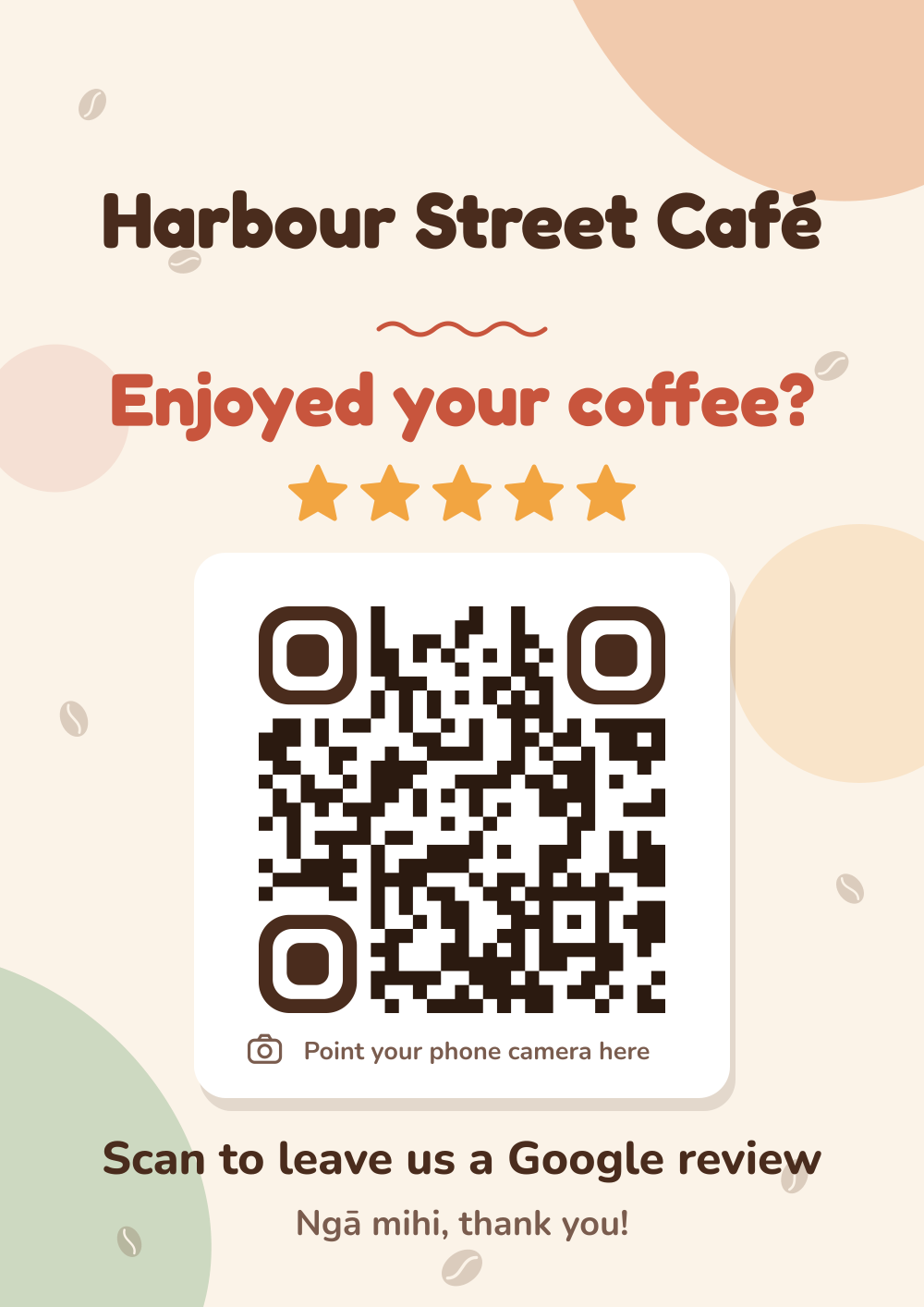
Café Latte
Warm cream, terracotta and coffee beans. Friendly and cosy.
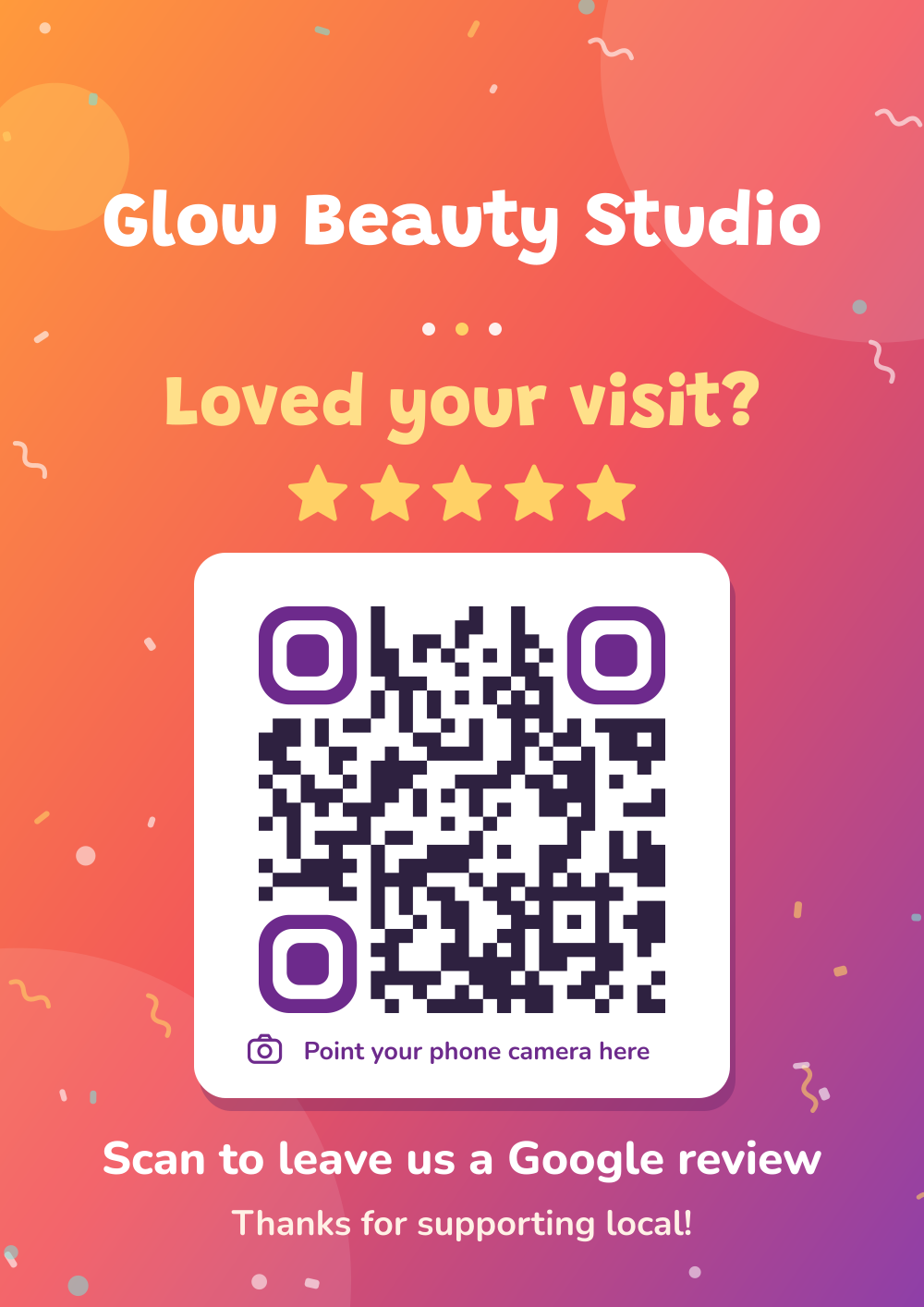
Sunset Pop
A bold orange-to-purple gradient with confetti. Loud and fun.
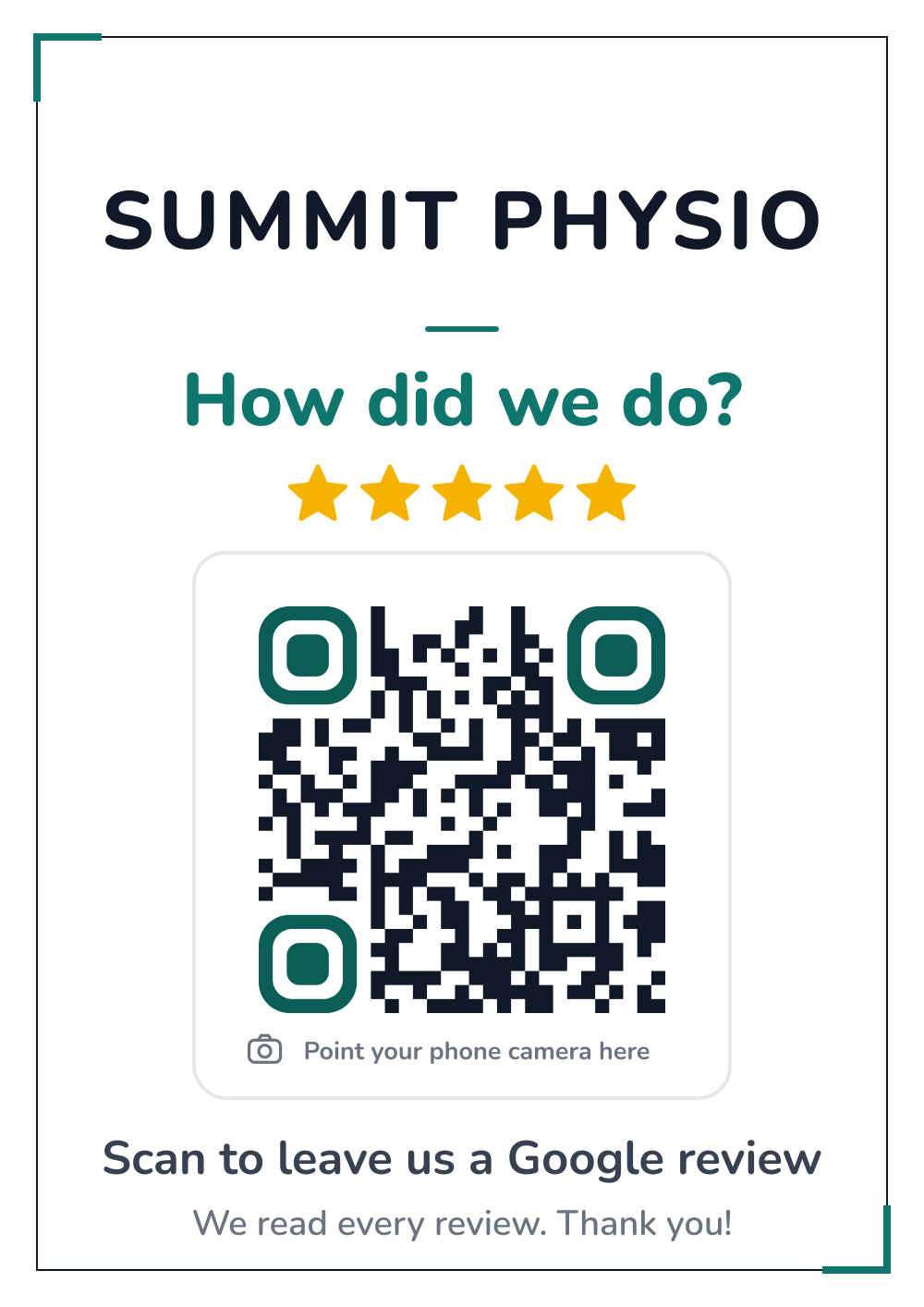
Clean & Simple
White, crisp and professional, with one teal accent.
Native Bush
Deep bush green with fern fronds. Proudly Kiwi.
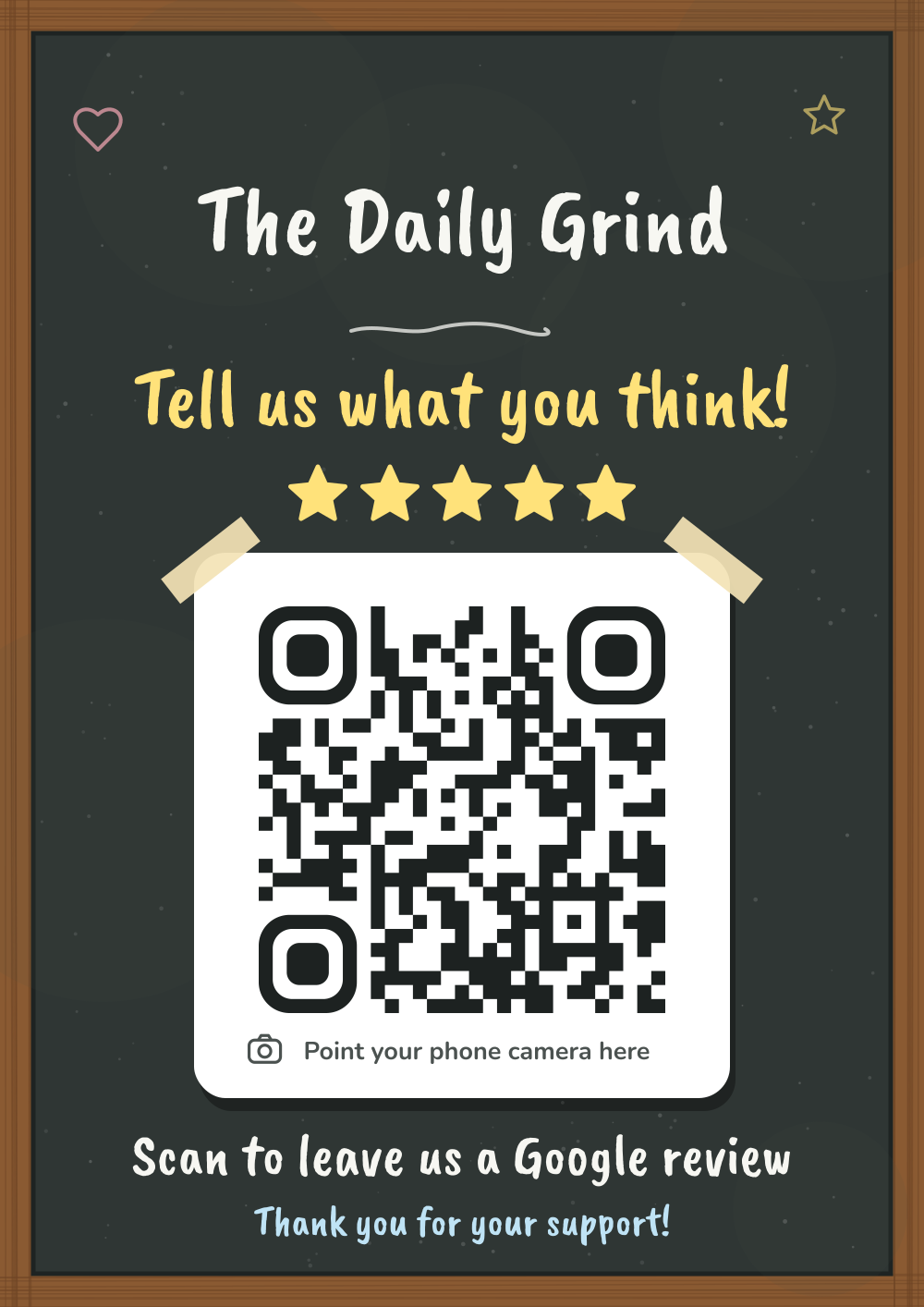
Chalkboard
A hand-lettered chalkboard in a timber frame.
Questions from tourism & activities
Do tourists use Google reviews?
Many visitors use Google Maps to find things to do nearby, and they compare by rating and review count.
Can I put the sign outside?
Yes. Laminate it or put it in a weatherproof frame. Keep it out of direct glare so it scans easily.
Which design suits a tourism business?
Native Bush has a proudly Kiwi feel. Sunset Pop suits fun activities.
Guides
All guides →Why Google reviews build loyalty, not just new customers
Reviews aren’t just for new customers. How asking for, reading and replying to Google reviews builds loyalty with regulars in cafés, restaurants and bars.
Read the guide →How-to · 4 min readPrinting your review QR sign: sizes, paper and stands
How to print your Google review QR code sign at home or at a print shop: A4, A5 and A6 sizes, paper, lamination, stands, and testing the code.
Read the guide →Ideas · 4 min readWhere to put your review QR code: 12 spots that work
The best places for a Google review QR code in cafés, restaurants, shops and services: counters, tables, bill folders, windows, receipts, TVs and more.
Read the guide →Other businesses
Start collecting reviews today
One sign, $11.99, ready to print in two minutes.