What’s in the PDF
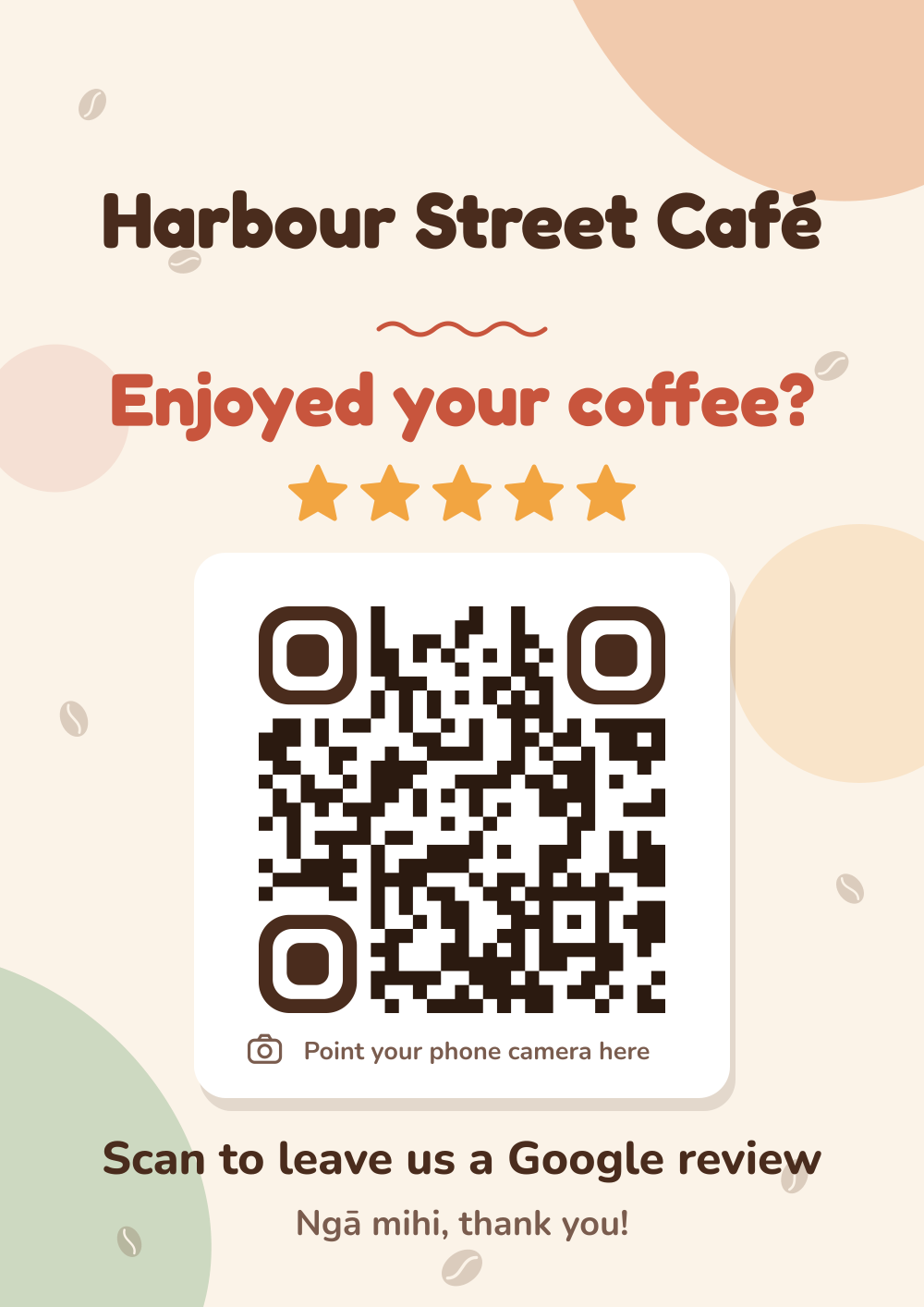
- Page 1: A4 poster for windows, walls and noticeboards.
- Page 2: two A5 table signs on one A4 sheet (cut down the middle).
- Page 3: four A6 counter cards on one A4 sheet (cut into quarters).
- Page 4: the QR code on its own, for menus and your own designs.


Printer settings
- Print at 100% / Actual size, not “Fit to page”.
- Choose the best quality setting.
- Home printers leave a thin white edge. That’s normal, and the design allows for it.
Paper and finish
- Card stock (200–300 gsm) makes signs stand up and last. Most home printers handle up to about 200 gsm.
- Matte, not gloss. Glossy lamination can reflect lights and make the code harder to scan.
- Laminate anything on a counter, table or outdoors. It wipes clean.
Stands and frames
Clear acrylic sign holders are cheap and widely available in A4, A5 and A6 sizes from stationery shops and online. A T-shaped stand suits tables and counters, and a wall frame suits the A4 poster. Print shops can print, laminate and trim the pages for you, usually while you wait.
Always test before you put it up
Scan the printed sign with your own phone, in the spot where it will live. It should open your Google review form. If a sign gets worn or scratched, download and print a fresh one: your download link keeps working.